

Scale Your Practice Without
Scaling Your Workload
Stop chasing clients for receipts.
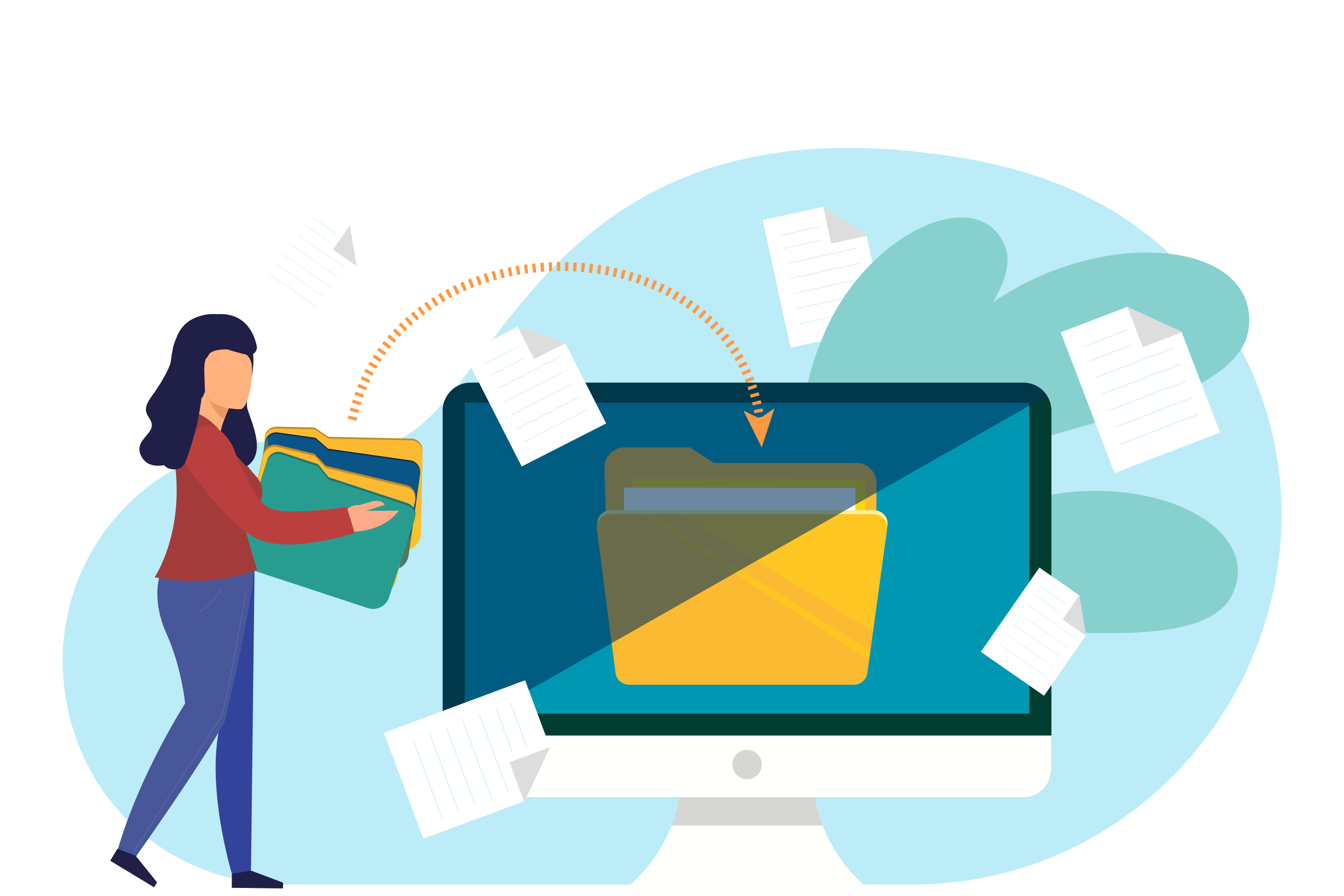
TidyBooks collects, extracts, and syncs documents across your entire client base automatically.
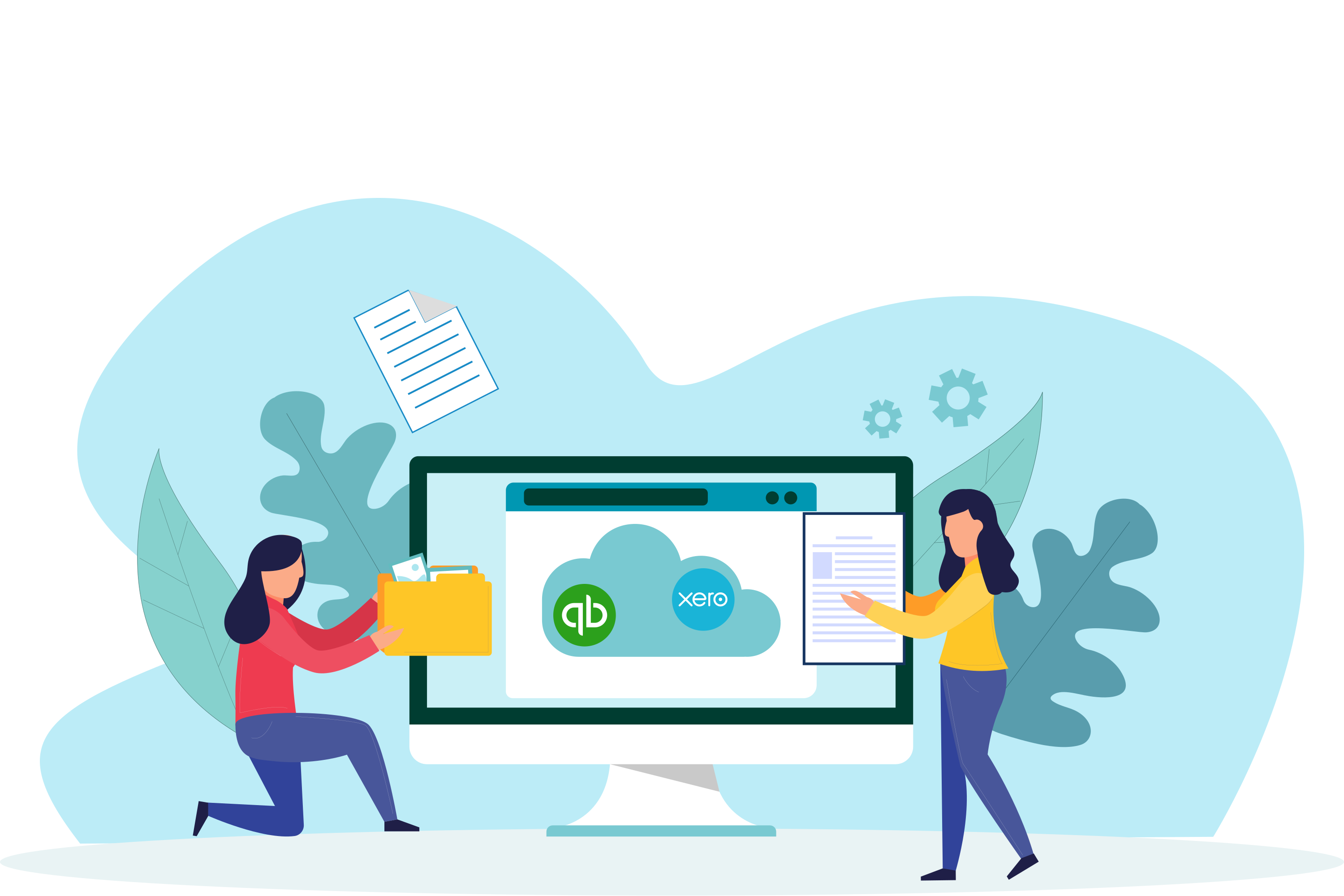
Syncs with your clients' accounting software
Growing Your Practice Shouldn't Mean
More Admin Work
Every new client means more documents to chase, more data to enter, and more systems to manage. Your team's time is being wasted on tasks that don't require human expertise.
Drowning in Client Documents
You're constantly chasing clients for receipts and invoices. Emails, texts, phone calls - and half the time they still forget.
The Never-Ending Data Entry Loop
The same manual work - typing dates, amounts, supplier names - multiplied by every client. Your team is spending hours on low-value admin work.
Zero Visibility Across Clients
You have no idea which clients are behind on sending documents or which accounts need attention until deadline panic sets in.
Time Spent on Admin, Not Advisory
You started your practice to help clients grow, not to chase receipts. But low-value work keeps eating into billable hours.
Juggling Multiple Client Systems
Logging in and out of different Xero and QuickBooks accounts. Switching contexts constantly. It's exhausting and error-prone.
TidyBooks does the grunt work
so you can focus on advisory.
Automate document collection, data extraction, and accounting software sync for every client. Your team can finally focus on work that actually requires expertise.
Your Clients' Documents Come to You
Each client gets a unique email inbox. They forward receipts once, and TidyBooks handles the rest. No more chasing, no more reminders.
AI Handles the Grunt Work
Our AI extracts data from every document across all your clients - supplier names, amounts, dates, GST - and categorises them accurately.
See Everything at a Glance
One dashboard shows the status of all your clients. See who's up to date, who needs attention, and what's been processed recently.
Unlimited Team, No Per-Seat Costs
Add your entire team at no extra charge - you only pay per client. Control who sees which clients with staff permissions. Admins see everything, staff see only their assigned clients.
Flexible Client Management
Invite clients to upload their own documents and view their status, or manage everything on their behalf. Your choice per client - mix and match as needed.
Simple, Per-Client Pricing
Pay only for the clients you manage. Volume discounts as you grow.
No hidden fees, no per-user charges for your team.
Volume Discounts
Calculate Your Price
What's Included
Each Client Gets
- 200 documents per month
- 5.00 GB storage
- AI categorisation
- Email inbox for documents
- WhatsApp - snap and send from phone
- Xero & QuickBooks sync
Your Practice Gets
- Unlimited team members - no per-seat costs
- Staff permissions - control who sees which clients
- Invite clients to self-manage or handle everything for them
- Client management dashboard
- Priority support
No per-seat charges
Your entire team can access client accounts at no extra cost.
Scale as you grow
Add or remove client licenses anytime. Only pay for what you use.
Enterprise pricing available
Need 1000+ client licenses? Contact us for custom pricing.
Frequently Asked Questions
Everything you need to know about TidyBooks for accounting practices.
What does each client get with their license?
Each client license includes 200 documents per month, 5GB of storage, a unique email inbox for forwarding documents, AI-powered categorisation, and automatic sync to their Xero or QuickBooks account.
Can my staff access client accounts?
Yes! Add unlimited team members at no extra cost - you only pay per client, not per seat. Assign specific clients to each staff member, and they'll only see the clients assigned to them. Admins can see all clients.
How does the license system work?
You purchase client licenses (minimum 20) and can add more anytime. Each license allows you to onboard one client. As you grow, you automatically get volume discounts - up to 32% off at 600+ clients.
What if a client leaves our practice?
When you remove a client from your practice, the license becomes available for a new client. You can reassign licenses as your client base changes.
Can clients access their own data?
It's your choice. You can set up clients with their own login to view their documents and processing status, or manage everything on their behalf. Either way, they can't remove your access.
Do I need separate subscriptions for each client's accounting software?
No. TidyBooks connects to each client's Xero or QuickBooks account through OAuth. Your clients authorise the connection, and TidyBooks syncs data directly to their accounting software.
What accounting platforms do you integrate with?
We currently integrate with Xero and QuickBooks Online. Your clients can use either platform, and you can manage a mix of both from your single TidyBooks dashboard.
How do I get started?
Create an account, choose your plan based on how many clients you manage, and start adding clients right away. You can begin processing documents within minutes of signing up.
How do my clients send their documents?
Multiple options: forward to a unique email inbox, snap and send via WhatsApp, upload directly, or set up automatic monitoring of their email or cloud drives (Google Drive, Dropbox, OneDrive). You can also extract historical documents from email accounts and cloud drives for a one-off fee based on volume - from a single email to thousands.
Can I get custom pricing for a large practice?
Absolutely. If you manage 1000+ clients, contact us for custom enterprise pricing. We can also discuss custom integrations, dedicated support, and SLAs for larger practices.
Ready to scale your practice?
Join accounting practices who are saving hours per client with TidyBooks. Join the waitlist today.